Tuning your Elevator
In the third step of the elevator wizard, the user is guided through creating setpoints and calculating closed-loop gains.
Tip
Check out Basic PID and Profiling for information on how to tune a closed-loop position system.
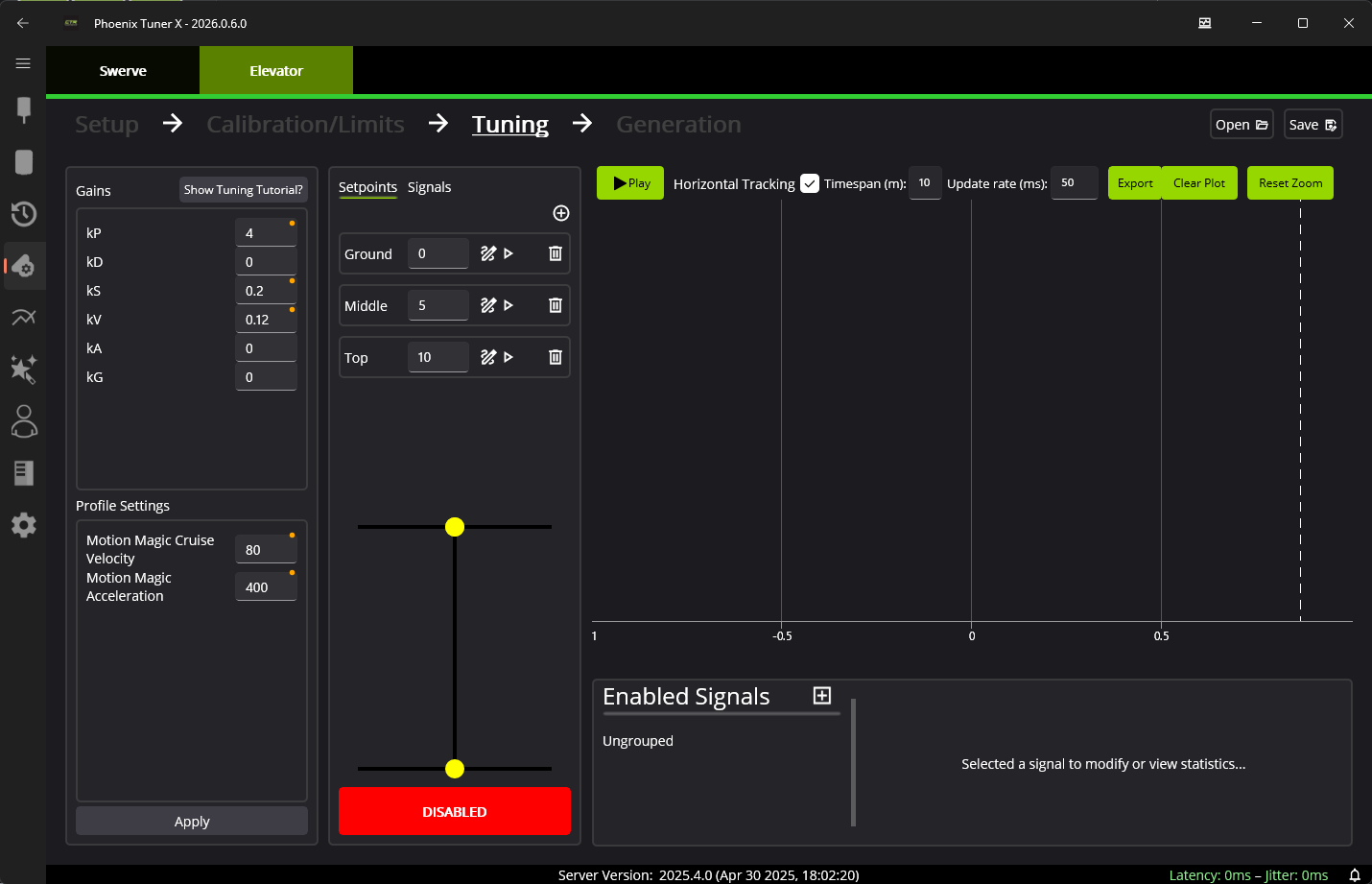
Elevator Setpoints
Setpoints are configured in the Setpoints tab in the second column.
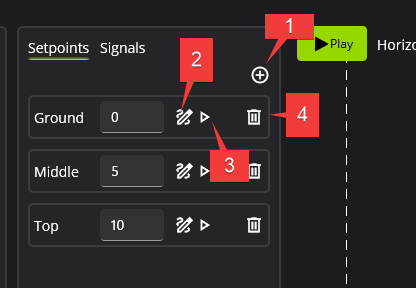
Add a new setpoint
Rename a setpoint
Ensure setpoint names are unique, or there will be compile errors when you generate your Elevator.
Run setpoint
The robot must be ENABLED, or nothing will happen.
Delete setpoint
Closed-loop Gains
Gains can be configured in the first column. While default gains have been calculated, it is highly recommended to just use this as a starting point. The elevator should be tuned in it’s final configuration, with any load that it may need to bear (holding a game piece).
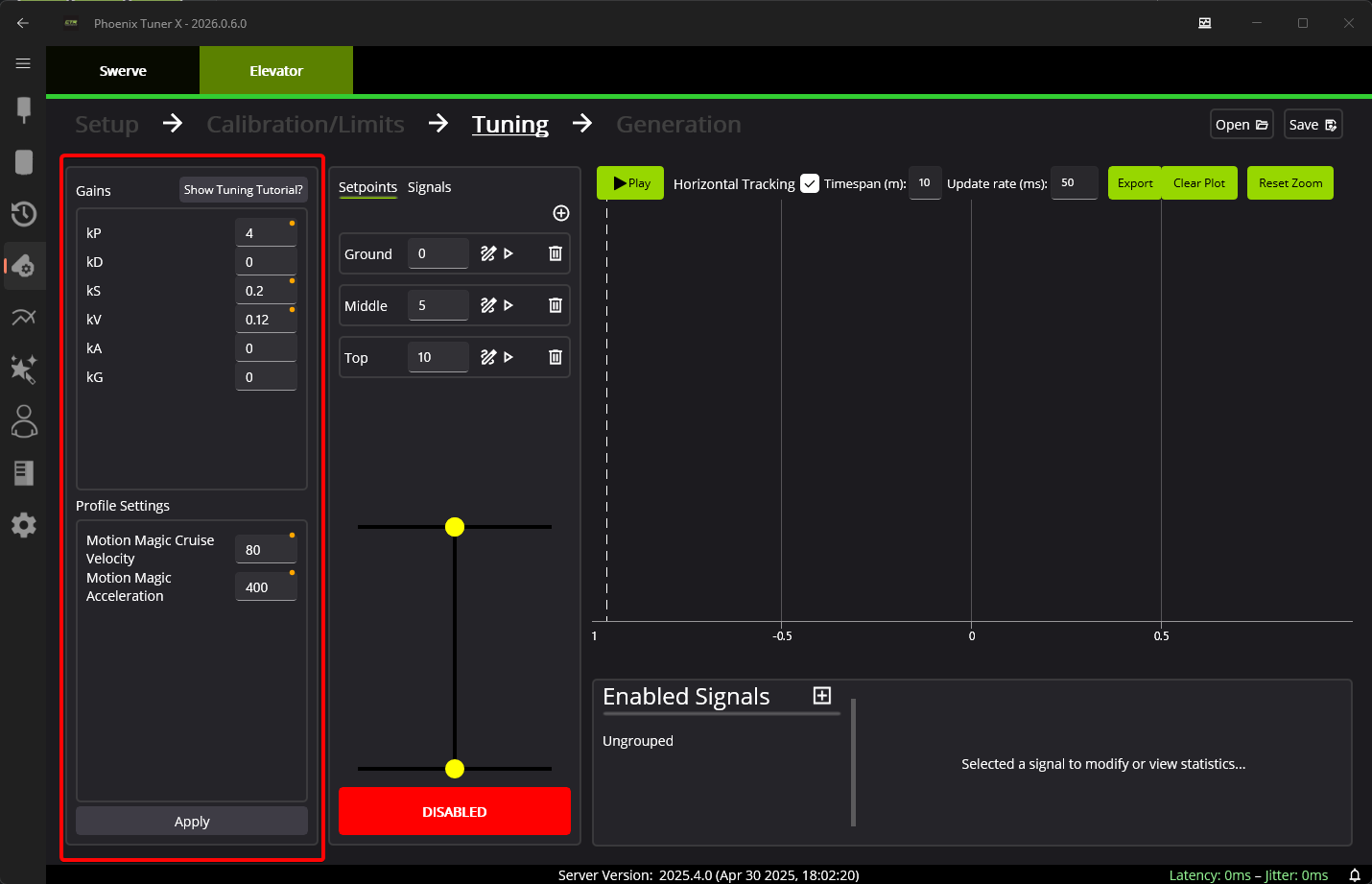
The control request used to command the elevator is MotionMagicVoltage (Java, C++, Python), which allows the user to directly control velocity and acceleration for smooth travel.