Log Analysis (Beta)
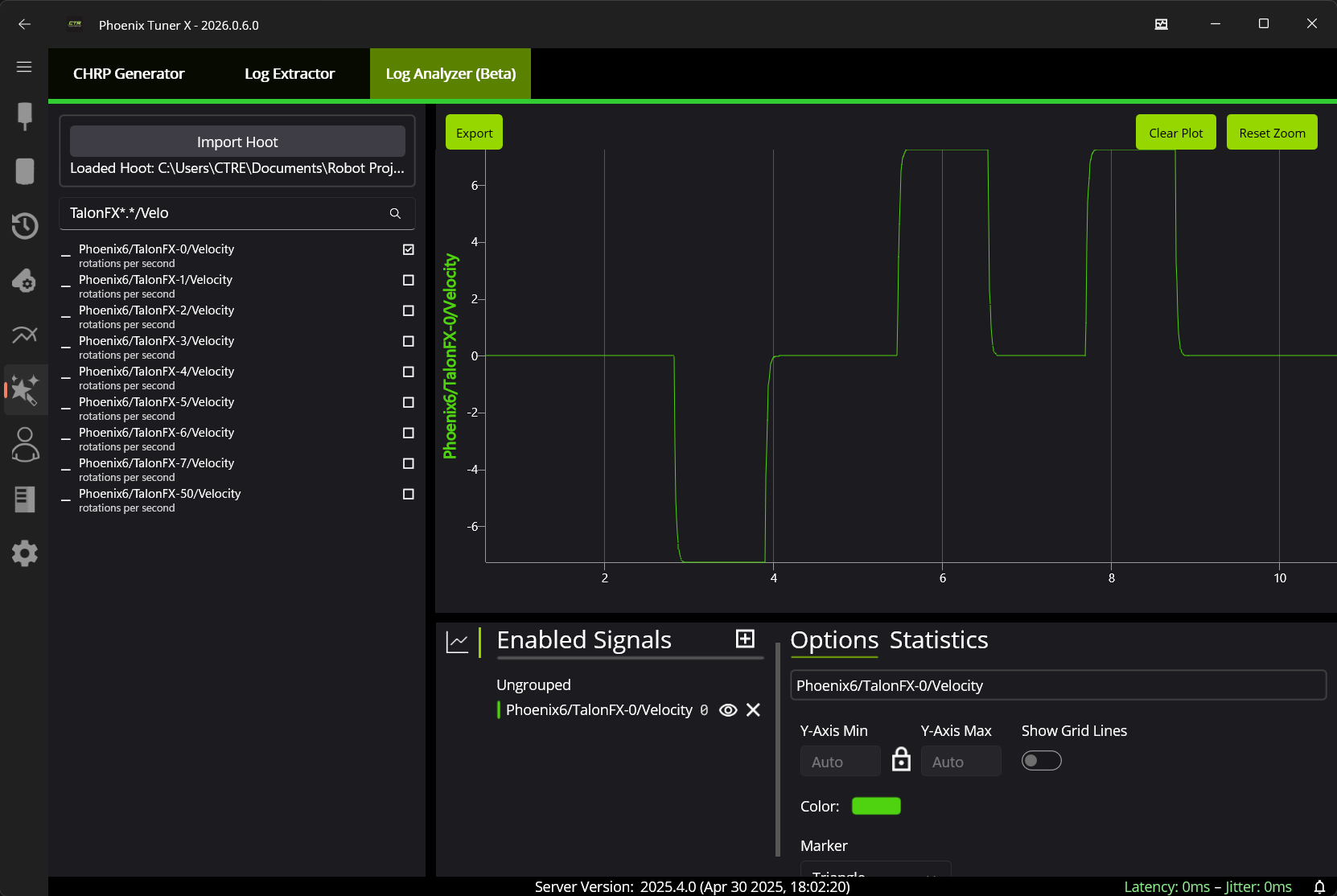
Hoot logs can be directly viewed and analyzed in Tuner using the built-in Log Analysis tool. This tool can be found by navigating to Tools -> Log Analysis (Beta) tab. Users can take advantage of our high-performance plotter to analyze their logs for trends.
Loading Logs
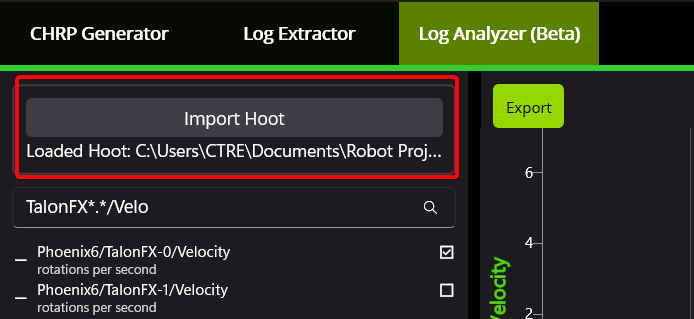
A hoot log can be loaded by clicking on the Import Hoot button. Depending on the size of the log, it may take a long time for the log to be loaded.