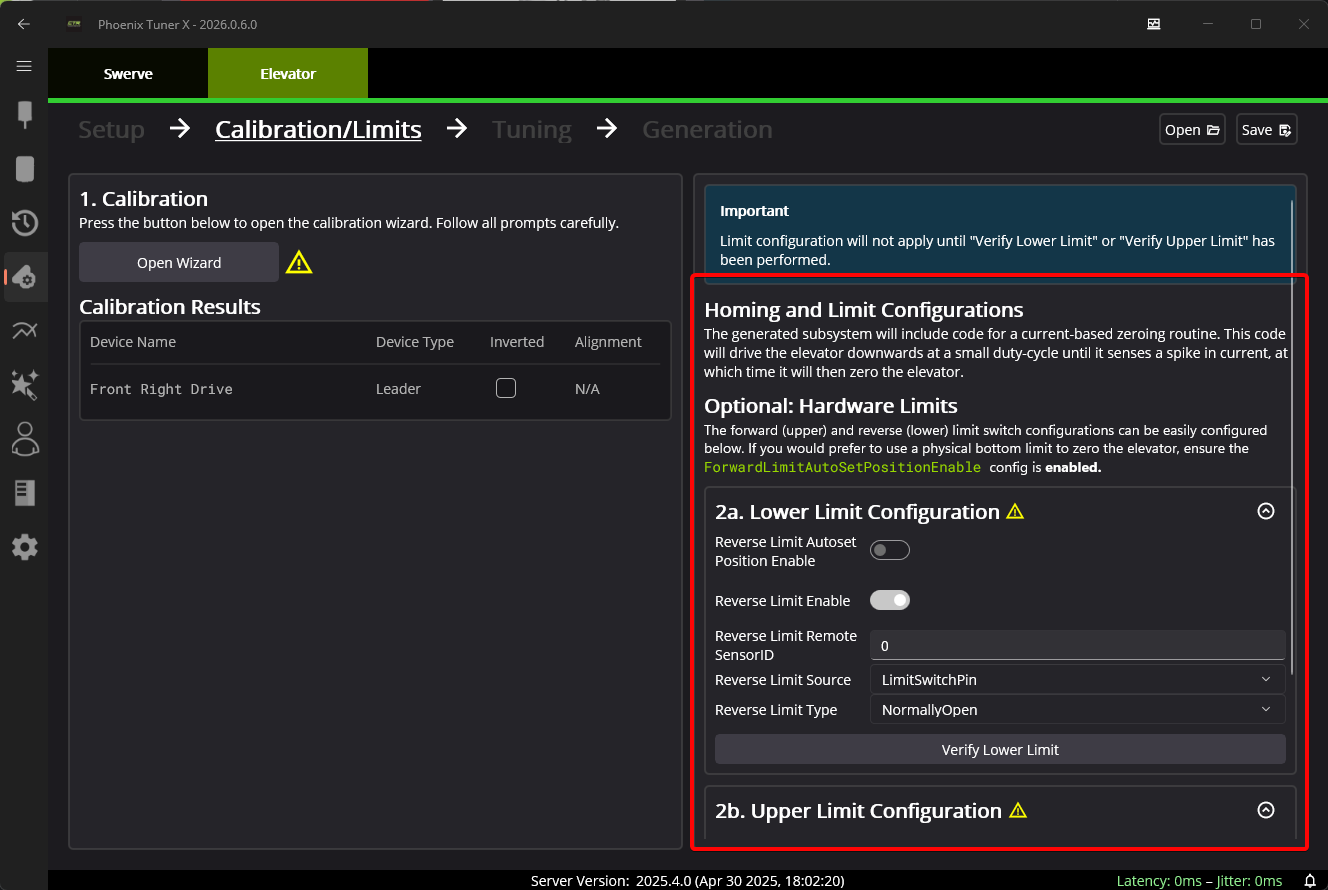
Calibration and Limits
Tuner will have the user perform a calibration routine, during which the user will bring the elevator to it’s lowest position, and then manually raise the elevator to it’s top-most position. This routine will automatically determine the bounds of the elevator and motor inverts.
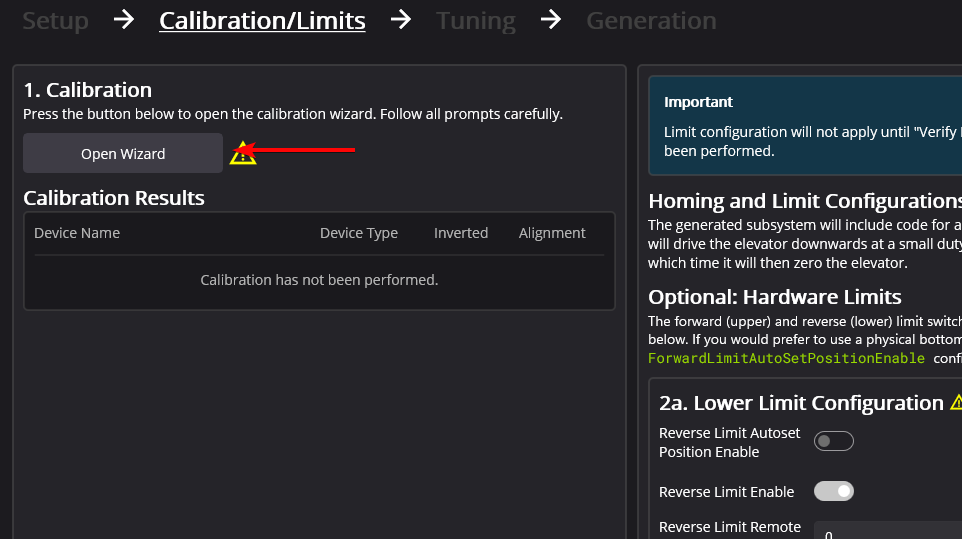
To begin, select Open Wizard.
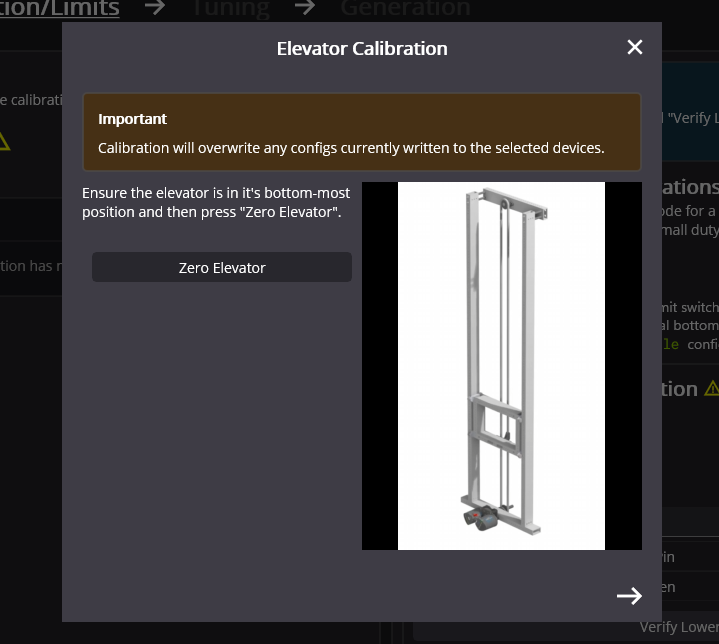
This will open the Elevator Calibation popup. Manually bring the elevator to it’s bottom-most position. This will act as it’s zero. Once this is done, press Zero Elevator.
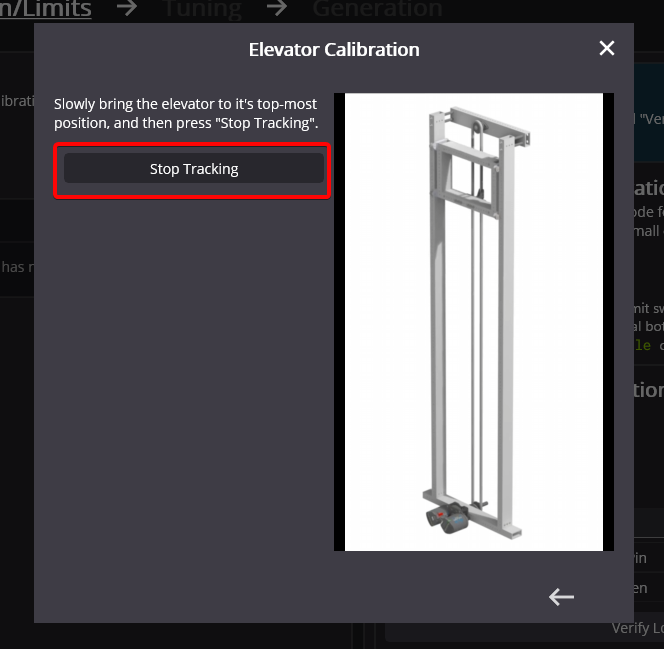
Press the arrow on the bottom-right of the popup to navigate to the next step in the wizard. Bring the elevator to it’s top-most position. Once this is done, press Stop Tracking.
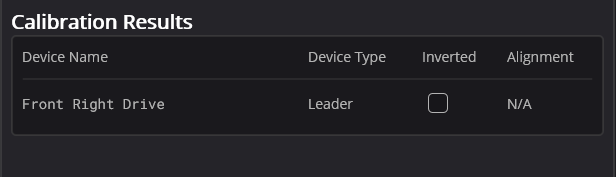
Go ahead and exit the popup. The Calibration Results will be populated with it’s results.
Homing Limits
The generated Elevator subsystem includes a function for performing a current-based homing routine to zero the elevator. However, the calibration and limits interface provides the ability to configure hardware or remote limits.