Multi-device Plot & Control
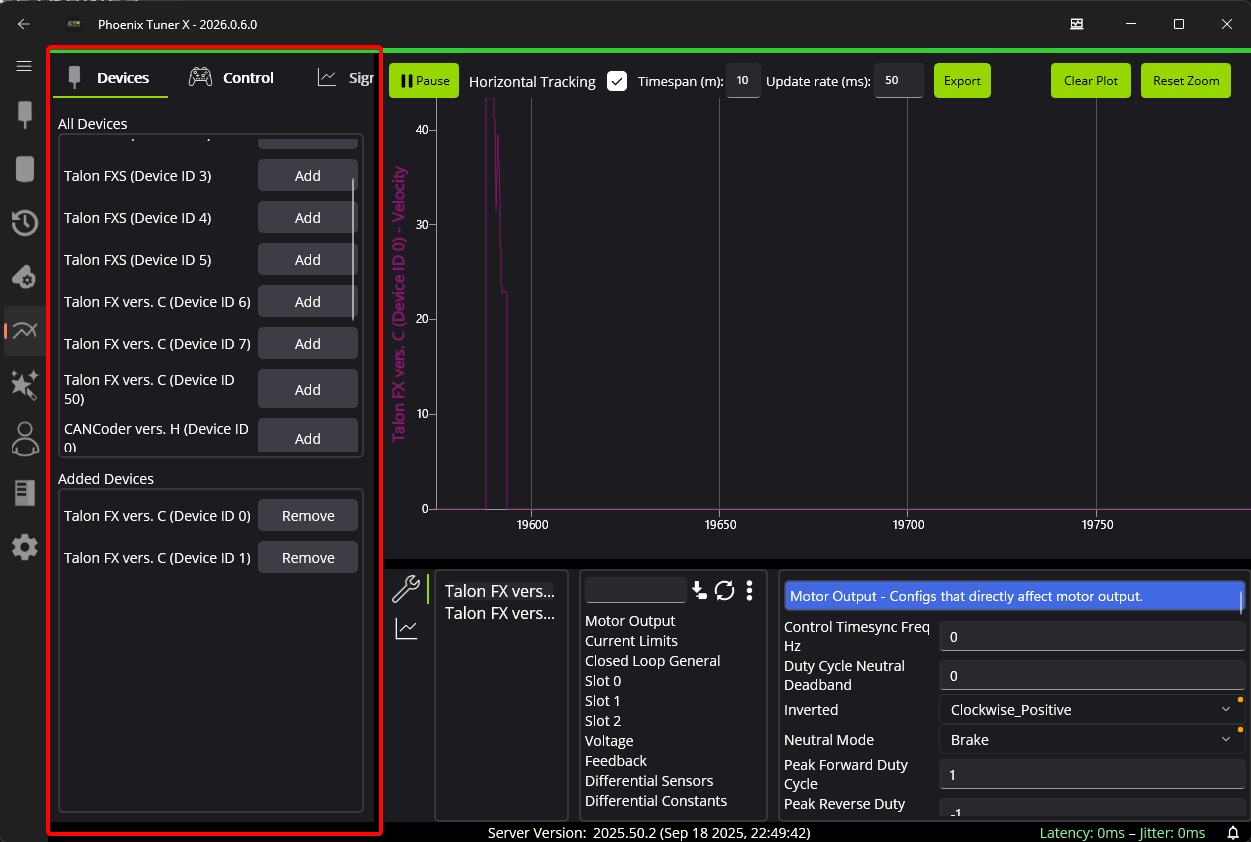
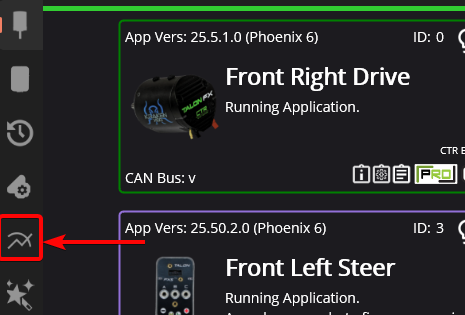
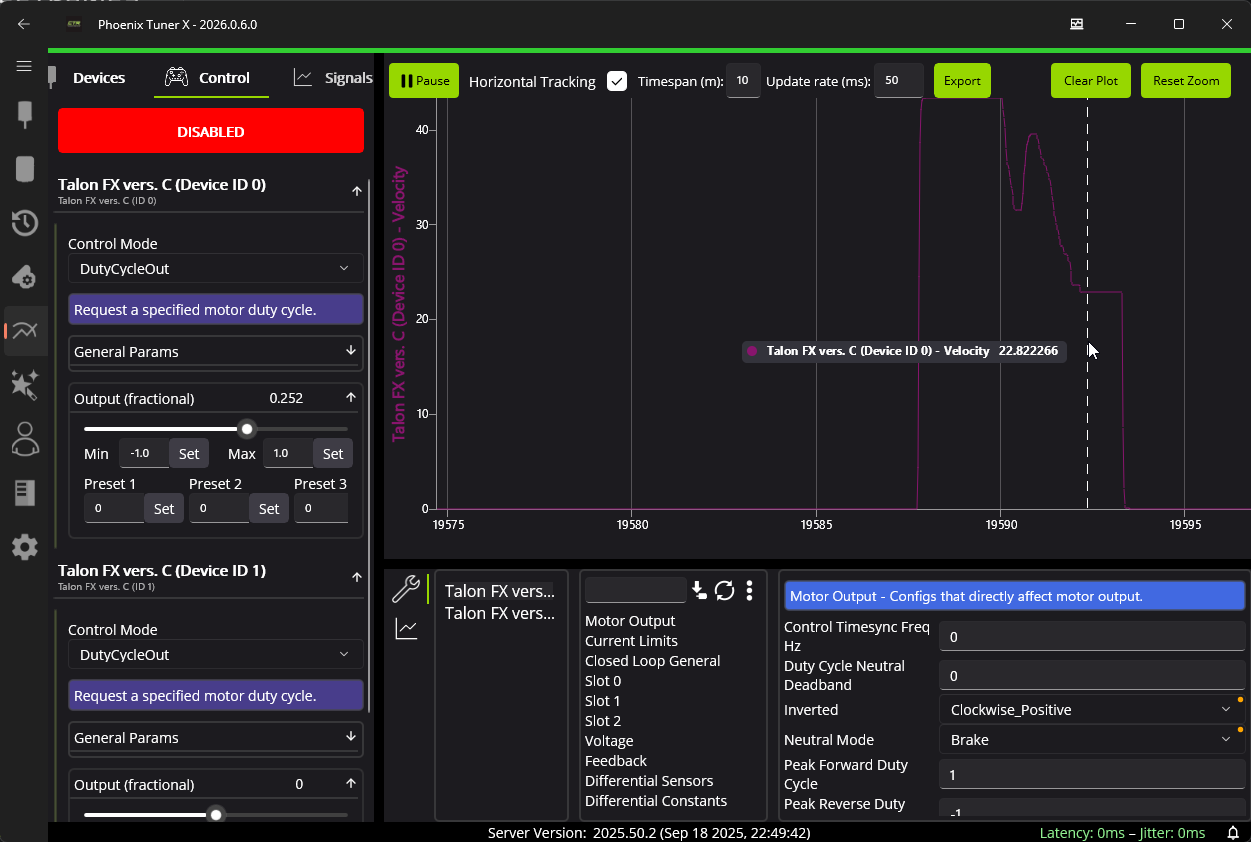
Multiple devices can be controlled and plotted simultaneously using the Signal & Control tab in Phoenix Tuner X. The interface mirrors the existing device details page, with dropdowns or comboboxes for choosing devices in a specific context.
The Signal & Control interface can be incredibly useful when tuning subsystems with multiple motors.
Adding Devices
Devices can be added or removed to the instance using the Devices tab on the left-hand side.